Netcode Articles
- Netcode: Intro
- Netcode: Time
- Netcode: Prediction & Reconciliation
- Netcode: Lag Compensation / Rollback
- Netcode: Input Buffering
- Netcode: Interpolation
- Netcode: Tips
I implemented server-authoritative netcode, and you can too.
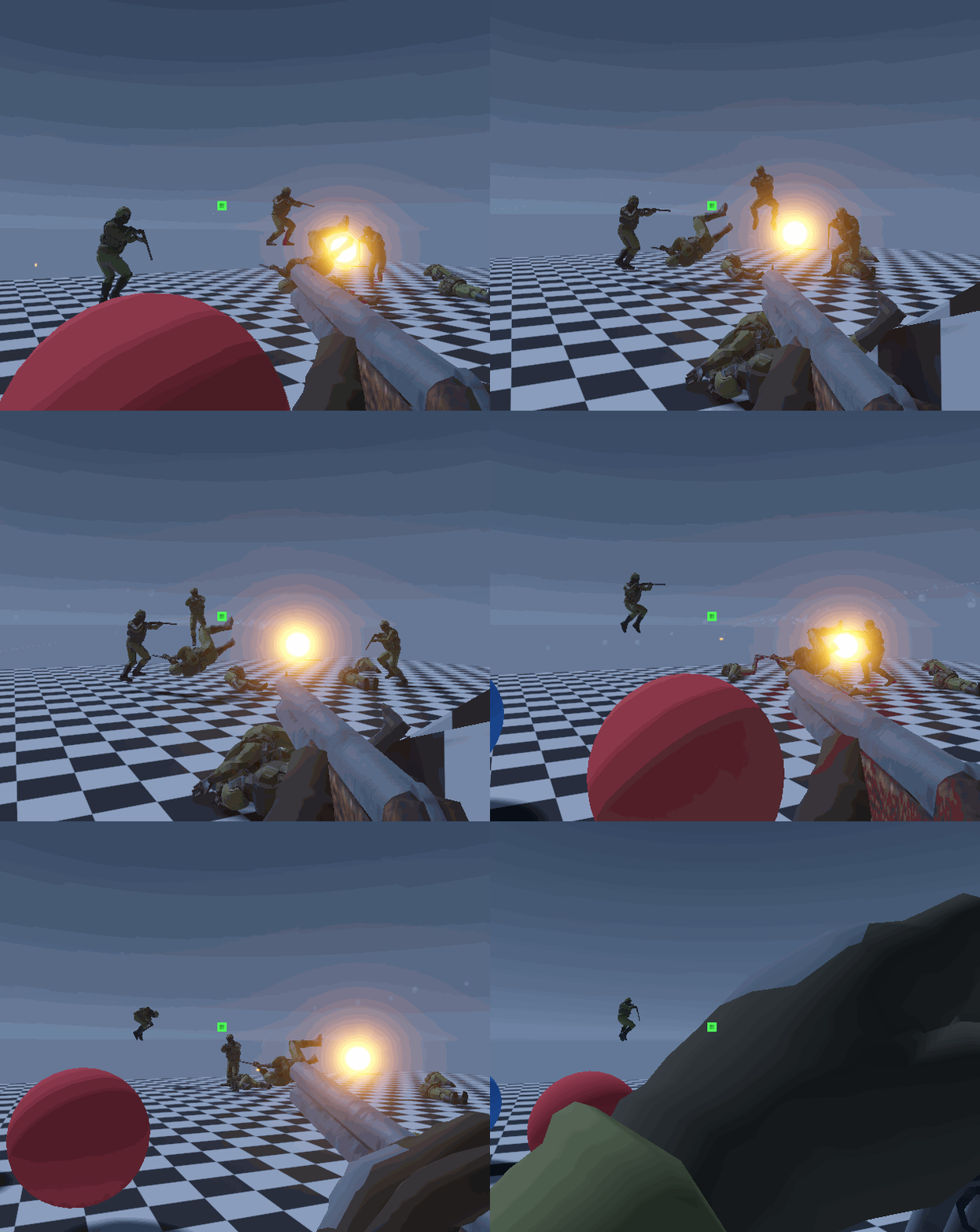
The next few articles are going to cover how I implemented server-authoritative netcode for FPS games in Unity. The theory and ideas I'm going to discuss will apply to any language, engine, or game. Here's a few things to keep in mind:
- Theory > Code: Understanding how each concept works and why it is needed is the important part to implement this netcode. The actual code comes naturally from the theory.
- There is no "one size fits all": Netcode for a platform fighter has different goals than netcode for an open world MMORPG. Your stack will be tailored to your project. However, the theory is similar and useful no matter what direction you go.
- It is challenging! It takes time, effort, and research. You need all the pieces in place to get good results. You will run into frustrating bugs. Remember that a sense of challenge gives strong intrinsic motivation, and overcoming challenge gives you immense satisfaction.
Netcode?
If you want to play games with other people across a network - like online or at a LAN party - you need some way to facilitate connection and communication between different computers or "clients". In games, the stack that handles this connection, communication, and synchronization is called "netcode" (and probably a million other terms).
Server? FPS?
There are a few different ways of structuring your netcode, each with benefits and drawbacks depending on what kind of game you are making.
To start, you need to choose how you want clients/computers to communicate: Directly to each other (Peer to Peer or P2P), or between each client and a server (client-server).
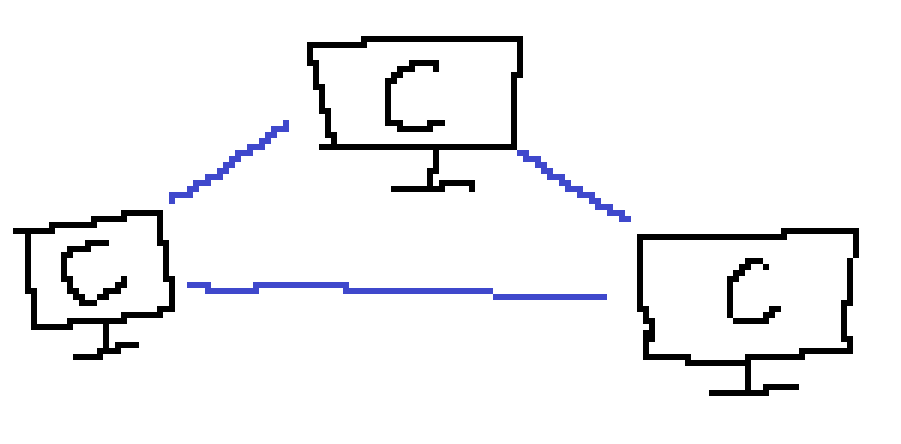
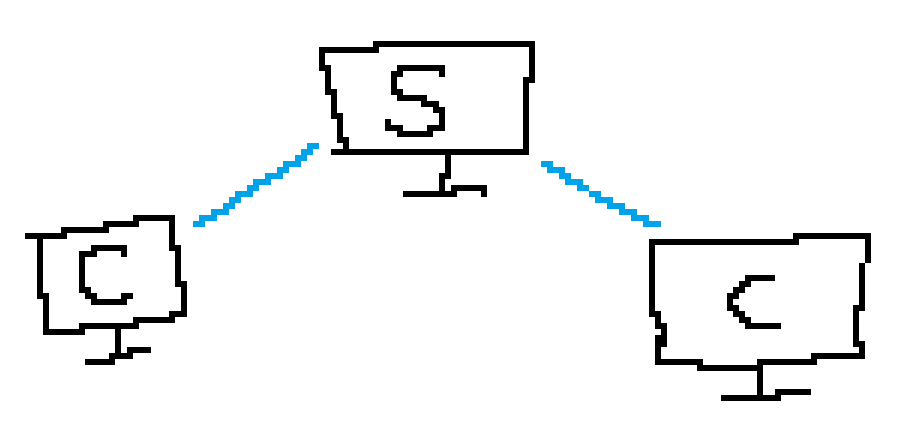
For the type of games I make, client-server architecture is the way to go. We want one central source of truth who controls the game and handles sorting out the game and keeping everyone in sync. For the small, first-person shooters I make, I elect one player the "host" who runs the server and plays as a client*. This means anyone can host a server and play - no dedicated servers (though they are possible).
*You could get into semantics about P2P and player-hosted servers but I won't.Authority
"We want one central source of truth". Cheaters are no fun in games, and we'd like to prevent cheating where possible. To make this easier, the server has "authority", meaning it controls the state of all objects in the game. Why does this matter? Let's look at client vs server authority.
Client Authority
The client has control over certain objects in the game - typically their player. They move/shoot/interact and tell the server what they did.
- Client: "Hello, I just moved 1 meter forward."
- Server: "Perfect! I'll let everyone else know."
- Client: "Hello, I just shot player 2 fifteen times in the head through 3 walls."
- Server: "Perfect! I'll let everyone else know."
Obviously this is exaggerated and the server can try and run some "sanity checks" to prevent obvious cheats, but it's much easier to cheat when the client has authority. Look at a game like Rust - the client has authority over their player, and some cheats allow you to climb up walls even while the server checks on its end.
Apart from that negative, it feels really good when you have authority over your player. Your inputs apply instantly and you never feel "cheated" out of an action.
Server Authority
The clients just tell the server what they'd like to do. They tell the server what buttons they are pressing and the server tells them what happened.
- Client: "Hello, I'm pressing W and A"
- Server: "Perfect! You are now at position (3, 2), and I let everyone else know too."
- Client: "Hello, I just shot 15 times in one frame."
- Server: "??? I'll let you shoot once. Nice try though."
Many cheats are very difficult or impossible when the server has authority over everything. Flyhacking, speed cheats, shooting through walls, etc. are gone (aimbots and wallhacking are still issues). However, there is one problem: the network.
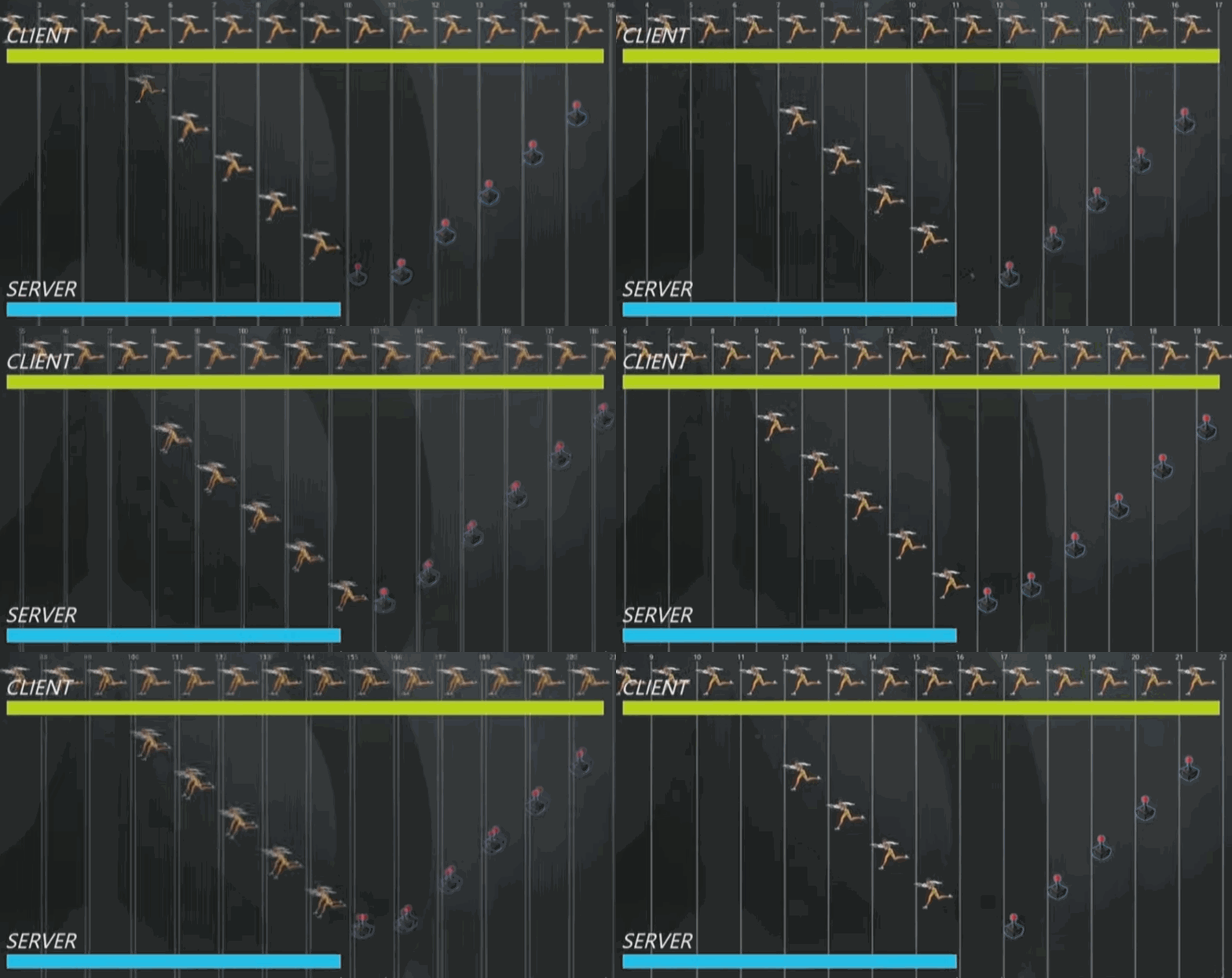
I tell the server I am pressing W. It takes 100ms for my packet to get there. The server moves me and tells me where I went. Another 100ms for that packet to get to me. I press W and only see myself move 200ms later. Terrible! How can we get around this?
Prediction, Reconciliation, and Lag Compensation
Sometimes called "Lag Compensation"These are the methods used to deal with network conditions and make server-authoritative games feel good to play. They are discussed in the next couple of articles.
- Prediction: When you send an input to the server, locally predict what will happen.
- Reconciliation: The server processes your input and tells you the authoritative state. Reconciliation is comparing the result to your prediction and correcting where necessary.
- Lag Compensation: The server is the only one seeing the game in the "present". Since you see the game - e.g. other clients - in the past, the server needs to compensate for that. In my case, this involves rolling back hitboxes and colliders to the client's time so their shots are accurate.
Scroll up to article links
Additional Resources
Here are some great articles I used to research and implement my netcode:
- Server In-game Protocol Design and Optimization - Valve
- Source Multiplayer Networking - Valve
- Overwatch Gameplay Architecture and Netcode - GDC
- Fast-Paced Multiplayer - Gabriel Gambetta
- Netcode Series for ARMAJET - Nicola Geretti
- Fast-Paced Multiplayer Implementation - 4AM Games
- Game Networking - Daposto
- Networking for Game Programmers - Glenn Fiedler
- IT IS Rocket Science! - Rocket League Netcode GDC Talk